A blood pressure monitor on the nightstand, a glucometer in a drawer, a step app on the phone, a watch counting sleep. Each with its own history, none with the full picture. A good health tracker is not one more app that measures, but the place where all measurements come together and make sense.
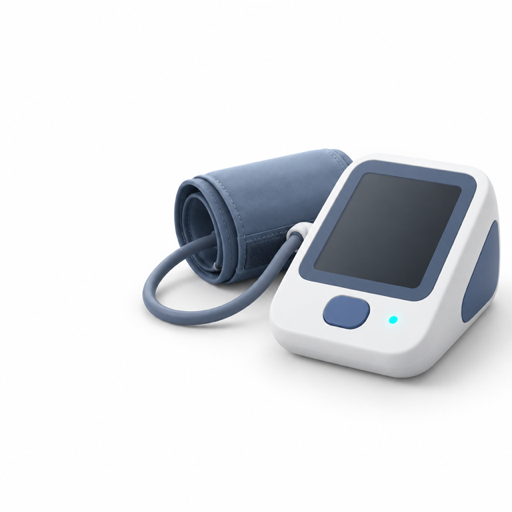
Blood pressure and pulse
Enter the monitor's values in 10 seconds, with the time. By day, you see morning against evening.
Weight
A ruler you drag, not a keyboard. The trend over weeks, not today's kilos.
Steps and activity
From Apple Health, Health Connect or Samsung Health, without writing anything.

Sleep
Hours of sleep from your watch, next to the energy and mood you note yourself.
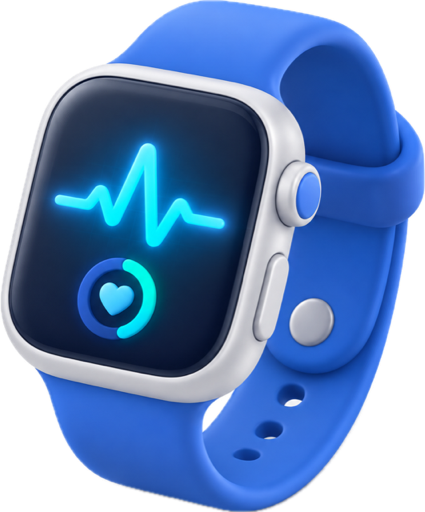
Watch
Apps for Apple Watch and Wear OS: pulse and how you feel, straight from the wrist.
How you feel
Energy, mood and sleep with one tap. The context for all the numbers.
What you measure
In Anpheros Daily you enter or import:
- Vitals: blood pressure, pulse, oxygen saturation, temperature, glucose. Each with the time of measurement, shown by day as dots on the hours, so you see morning against evening.
- Weight, on a ruler you drag with your finger, with the trend over weeks.
- Steps, activity, sleep, taken automatically from Apple Health on iPhone, from Health Connect or Samsung Health on Android, and from Apple Watch or Wear OS.
- How you feel: energy, mood, sleep, on three scales, with one tap.
You do not need devices. You can start with just weight and "how you feel", and add the rest when you have it.
Why it matters that they are in one place
Separately, the numbers say little. Together, on the same timeline as symptoms and medications, they say a lot:
- blood pressure is higher in the weeks with little sleep;
- morning glucose dropped after you moved the medication to another hour;
- steps went down since the knee pain started.
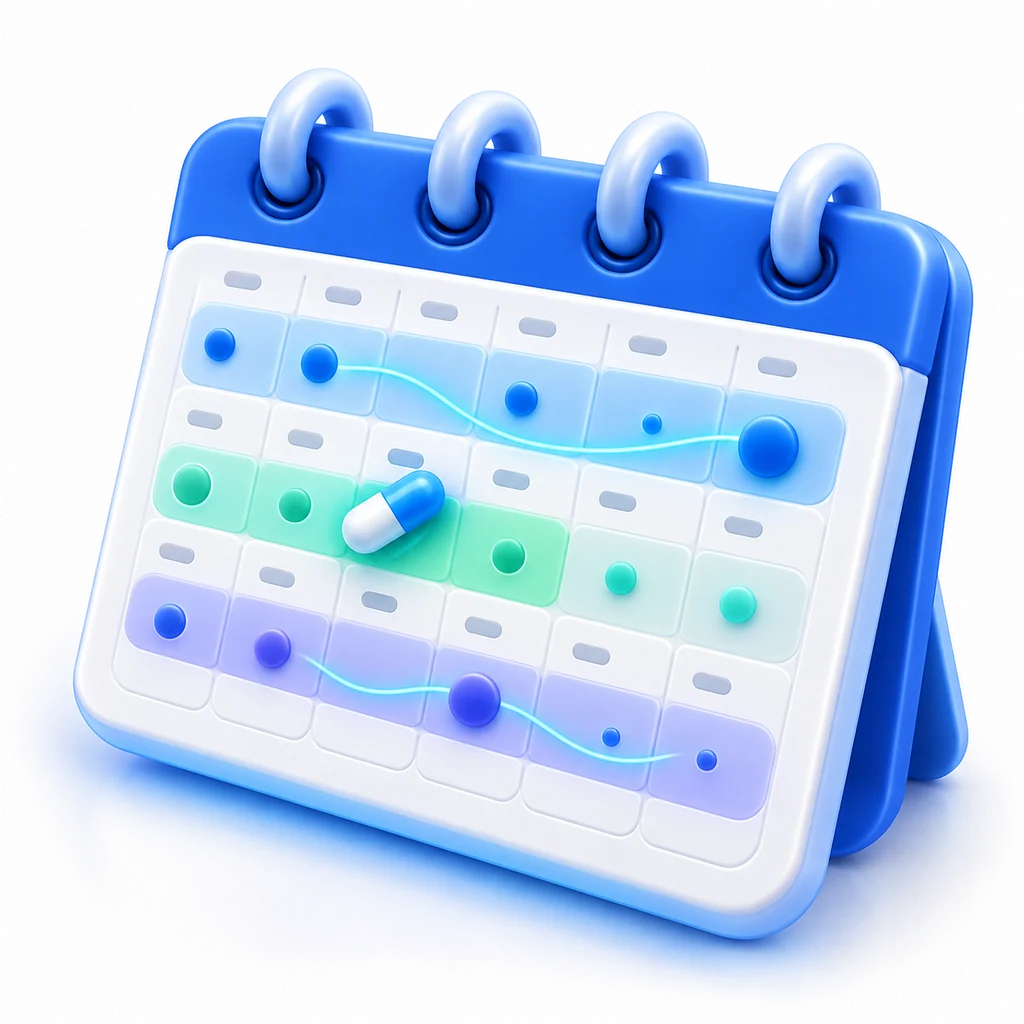
That timeline is called "Trend" and lives in the calendar. You see it on your phone, on Mac and in the browser, with the same account.
At the doctor
The PDF report from the app puts the measurements from a period next to symptoms and medications, on pages a doctor reads in a minute. If your doctor is in the app, you give them direct access, with your consent, for a period you choose.
All measurements are kept in your medical record in HL7 FHIR, the format hospitals use, with standard units and codes. You can export them at any time and they stay yours.
How to start
- Install the app and create an account. Pick your language, out of 20.
- If you want, allow access to Apple Health or Health Connect. Steps and sleep appear on their own.
- Tap "+" and enter your first blood pressure or weight.
The Basic plan is free and includes measurements with no limit. The AI assistant, which reads your trend and prepares your questions for the doctor, and the "Immune system" overview of your recovery state are in the Plus and Max plans.
Frequently asked questions
Does it connect to my blood pressure monitor or glucometer?
You enter the values yourself, in a few seconds. If your device writes to Apple Health or Health Connect, the app picks them up from there automatically.
Does it work with Apple Watch, Galaxy Watch or another watch?
Yes. Pulse, steps and sleep come through Apple Health (iPhone) or Health Connect and Samsung Health (Android). For Apple Watch and Wear OS there are also watch apps, with the day's state and quick entry.
Can I track several people?
Yes. You add family profiles and each has its own measurements, with its own colour in the app.
What happens to my data?
It is stored in the European Union, in a standard format, and it is yours: export it, delete it with your account, show it to whoever you choose. No ads, no selling of data.