"What medications do you take?" is the first question at any appointment and the one most people answer vaguely: "a white one for blood pressure, and something for the stomach". With three or more medicines, names, doses and times blur together, and the real risk is the interactions nobody sees, because nobody has the full list.

Scan the box
Photograph the box or the leaflet; the app reads the name, the substance and the strength.
Doses by day
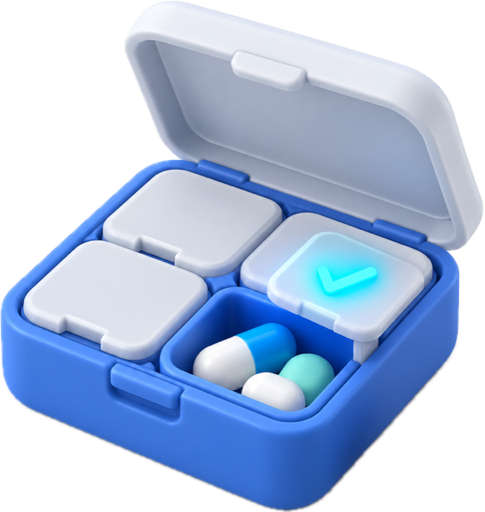
Morning, noon, evening. Tick what you took; the Treatment card on Home shows 2 of 3.

The list for your doctor
All medications, with doses and since when, in your record and in the PDF report.
How you add a medication
Fastest: scan the box. The app reads the brand name, the active substance and the strength and fills in the card. You check and save. You can also add by hand, searching by name.
For each medication you note:
- the dose and how often: for example 1 tablet morning and evening;
- since when and until when, if it is a course with an end;
- why you take it, linked to a condition in your record, for context;
- who prescribed it, if you want.
Over-the-counter medicines, supplements and vitamins go on the same list. For interactions, they matter just as much.
Daily doses
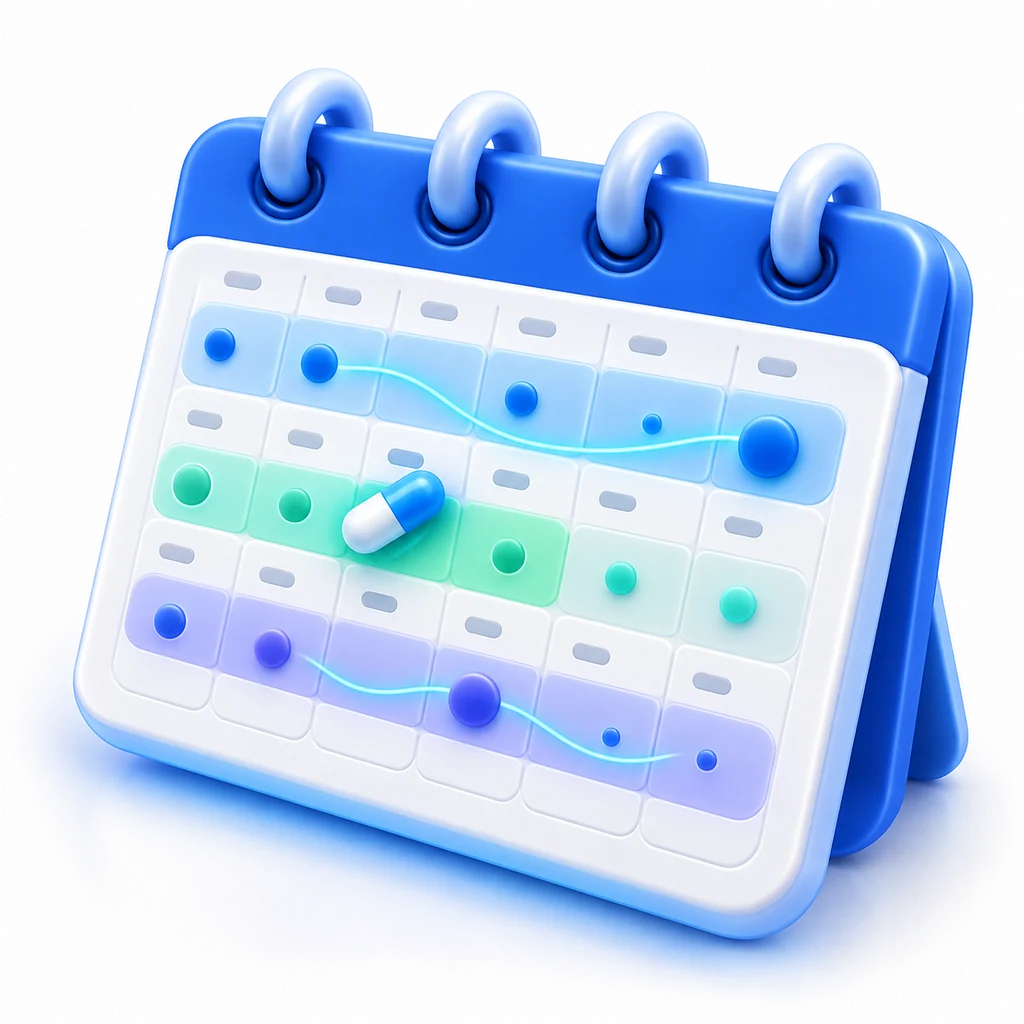
On the Home screen, the Treatment card shows today's doses and how many you have ticked: 2 of 3. You tick from the phone, the Mac or the watch. Ticked doses appear in the calendar, on the Trend timeline, right under the symptoms, so you see whether the pain eased after the treatment started or the dizziness showed up with a new medicine.
At the doctor and the pharmacy
The medication list is in your record, in the PDF report and on the emergency card. You show it to the pharmacist when you pick up something new, send it to the doctor before an appointment, have it with you in another country. Medications are coded to the standard (ATC), so the list is understood by any medical system in Europe.
Our guide on medications and interactions explains what to ask and why the active substance matters more than the name on the box.
Who it helps
- Long-term treatments: blood pressure, diabetes, thyroid, where regularity over months matters.
- Parents and carers: the child's or the elderly parent's medicines, on their own profile.
- Short courses: the 7-day antibiotic, finished properly.
- Several doctors: when each prescribes something and nobody sees the whole list.
How to start
- Install the app and create an account.
- Tap "+", choose "Medication" and scan the first box.
- Tick the doses as you take them.
The Basic plan is free and includes the medication list and doses with no limit. The AI assistant, which can explain a medicine from your record and prepares your questions for the doctor, is in the Plus and Max plans.
Frequently asked questions
Does the app tell me if two medicines clash?
The full list, with the active substances, is exactly what your doctor or pharmacist needs to check interactions. The AI assistant (Plus and Max) can explain what it knows about a medicine, but the final check is the pharmacist's or the doctor's, not the app's.
Does scanning work on any box?
It works on boxes and leaflets from Europe, in any language. If something is not recognised, you fill it in by hand and the app remembers it next time.
Can I keep medications for several people?
Yes. Each family profile has its own list, with its own doses.
What happens to my data?
It is stored in the European Union, in the standard HL7 FHIR format, and it is yours: export it, delete it with your account, show it to whoever you choose. No ads, no selling of data.