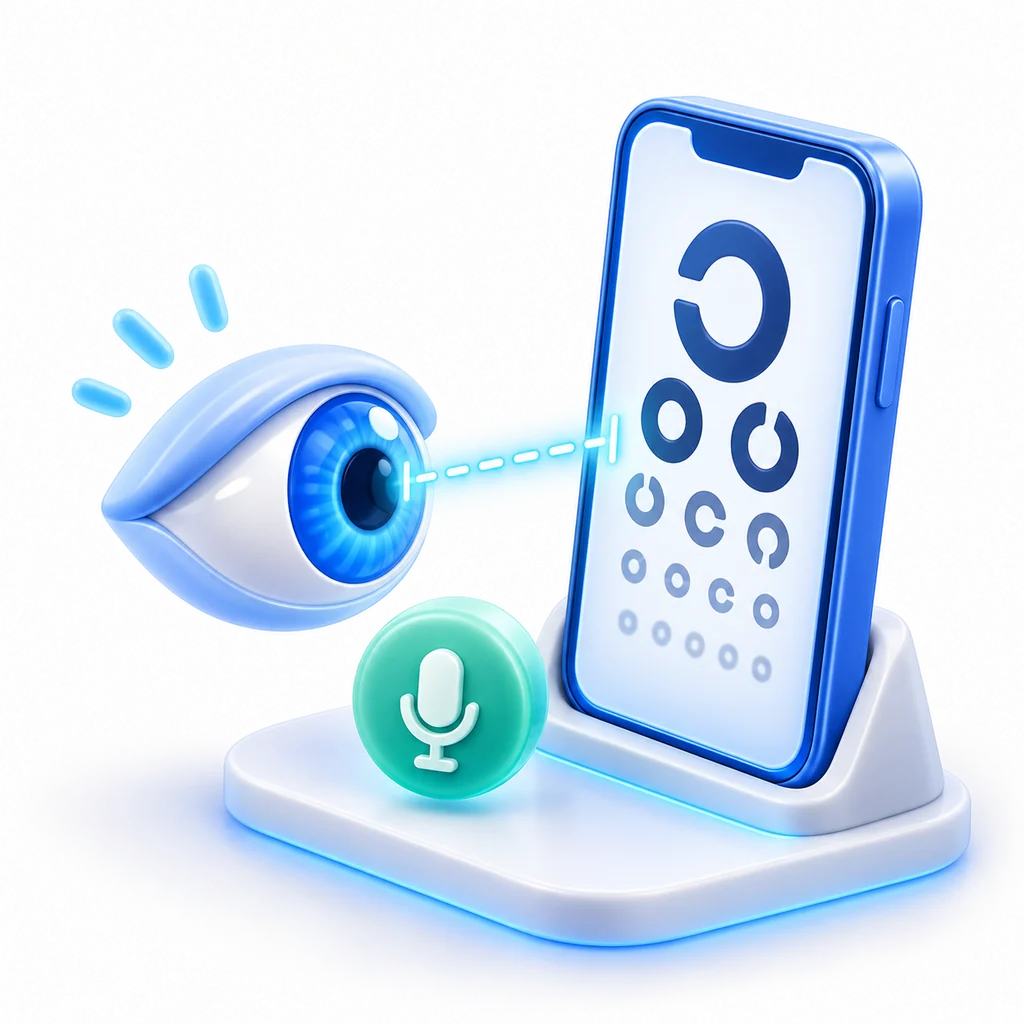
Vision declines slowly, so we rarely notice. A test at home does not replace an eye exam, but it tells you when it is time to book one and shows you, month to month, whether something has changed. In Anpheros Daily the test takes a few minutes and you don't need anyone to hold the phone.
Distance, by camera
The camera sees where you stand and guides you to a metre and a half.
Answer by voice
Say the letters or digits out loud, without touching the screen.
Result in your record
Each eye, with the date, so you can compare tests over time.
How the test works
- Prop up your phone upright on a table or shelf, at eye level.
- Step back. The camera sees your head, shoulders and chest and tells you out loud to "take a step back" or "hold still". A bar on screen shows how far you are from the green zone, a metre and a half.
- Cover one eye with your palm. Letters and digits appear on screen, smaller and smaller.
- Read them out loud. The phone listens in the app's language and moves to the next line.
- Switch eyes and repeat.
If the room is noisy or the phone can't understand you, the test switches by itself to the letter "E": you point with your arm to the side it opens towards, and the camera reads the gesture.
What you get
At the end you see an indicative result for each eye and a simple recommendation: everything looks fine, or an eye exam is worth it. The app also tells you if your two eyes see quite differently. The result is saved in the person's record with the date, and later tests appear next to it.
You can run the test for other family members too, each on their own profile: the child who sits too close to the board, the parent who can no longer read road signs well.
Getting started
- Install the app on iPhone or Android.
- Open "Vision test" from "Explore".
- Allow the camera and microphone, only for the duration of the test.
The vision test is free, included in the Basic plan.
Frequently asked questions
Does it replace an eye exam?
No. It is an indicative test, done at home, with the light and the screen you have. It does not measure your prescription and does not detect eye diseases. If your result drops or you have any symptoms, see an eye doctor.
Is my image or voice recorded?
No. The camera and microphone are used only on your phone, for as long as the test lasts. Only the result is saved to your record.
Can I take the test with glasses?
Yes, and it is best to take it the way you usually read. The app records whether the test was done with glasses or lenses, or without.
Does it work on a computer?
No, the test is phone only, because it needs the camera and a measured distance.