
In short: this page checks your near vision, the kind you use to read a book, a phone or a medicine leaflet. A bank card held on the screen sets the true size of the letters, you hold the screen at 40 cm and say which way each E points while the letters get smaller. You get an indicative near-vision score and the smallest print size you read. It does not replace an eye exam.
Reading up close usually gets harder slowly, often from the 40s onwards: arms that get "too short", small print that needs more light. A quick check at home helps you notice the change and bring it up at your next eye exam.
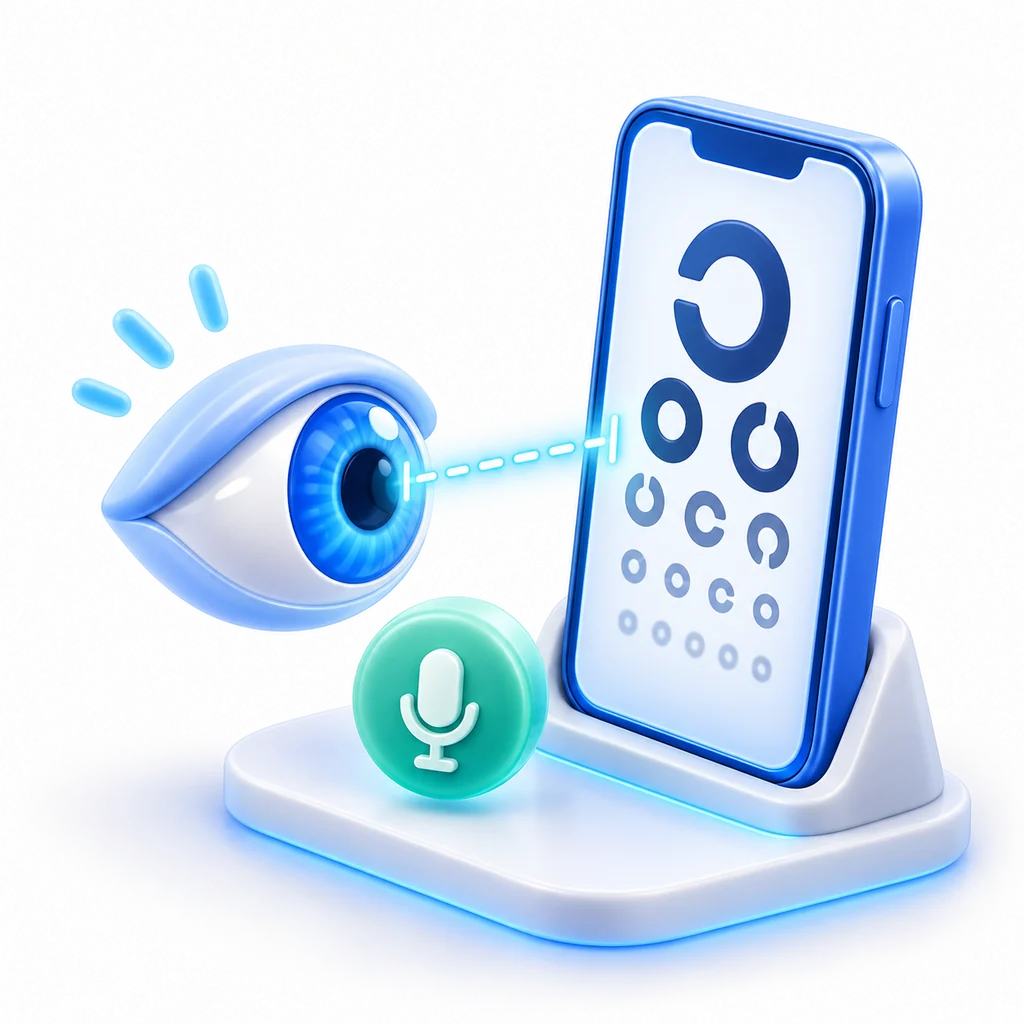
True letter size
A bank card held on the screen tells the test how big a millimetre is, so the letters match a printed near-vision chart.
At reading distance
Both eyes open, the screen at 40 cm, with or without reading glasses. Arrow keys or a tap.
Score and print size
A near-vision score and the smallest print you read, as N print sizes.
How the test works
- Set the scale. Hold a bank card (or any card that size) against the screen and move the slider until the shape matches it.
- Choose glasses. Say whether you are wearing reading glasses. You can repeat the test the other way and compare.
- Hold the screen at 40 cm, the distance at which you hold a book, in good, even light.
- Say which way each E points. The letters get smaller while you answer correctly; a line passes with three right answers out of five.
What the score means
The score uses the same decimal scale as distance eye charts, measured at 40 cm: 0.4 is about newspaper print (N8); 0.63 is small print like a medicine leaflet (N5); 1.0 is very small print (N3). The print size, from N3 to N32, is the type size used on near-vision charts.
What this test is not
It is an indicative check on your own screen, not an eye exam. It does not measure the strength of reading glasses and does not test eye health. If reading has become harder, or you hold things farther away to read them, book an eye exam with an optometrist or eye doctor.
Frequently asked questions
What is presbyopia?
The gradual loss of the eye's ability to focus up close, which most people notice from their 40s. Small print looks blurred unless you hold it farther away or use more light. An optometrist or eye doctor confirms it with a near-vision chart.
Can this test tell me if I need reading glasses?
No. It shows how small you read at 40 cm today. Whether glasses would help, and which strength, is decided at an eye exam.
Should I do the test with my glasses?
Do it the way you usually read. If you have reading glasses, you can run it with and without them to see the difference.
Why does it need a bank card?
Screens have different pixel sizes. The card tells the test how big a millimetre is on your screen, so the letters have their real size.
How is this different from the distance eye test?
The eye test checks distance vision, one eye at a time, from 1 to 3 metres. This test checks reading vision at 40 cm with both eyes, as when you read.
Is my result saved?
The test runs on your device and keeps the result only while this page is open. You can copy it, download a PDF, or save it in a free Anpheros account.