Track symptoms, treatments and lab results in one diary
In short: Anpheros Daily is a free symptom tracker app with no subscription needed for the diary: note what you feel, where, how strong and when, in about 20 seconds per entry, for two weeks or more. The app puts the entries on one timeline with your medications and sleep, and exports them as a PDF report for your doctor or shares them through a time-limited link. It records; it does not diagnose. See also how to track symptoms for your doctor.
Need a symptom diary today, with no account and nothing to install? Fill in the free printable symptom diary in your browser: two weeks of what you felt, where, how strong and what helped, ready to print or save as a PDF for your doctor. Nothing you type is sent anywhere. Already had a few bad days? The symptom timeline for your doctor puts them on one page. When you want the trend over months, the app keeps the same diary on your phone.
Tuesday's headache, Thursday morning's dizziness, the rash that showed up after the antibiotic. By the time you see a doctor the details are gone, and the answer to "since when?" and "how often?" is "about two weeks, I think". A symptom diary fixes exactly that: it records on the spot, with the time, and shows you the pattern.

What, where, how strong
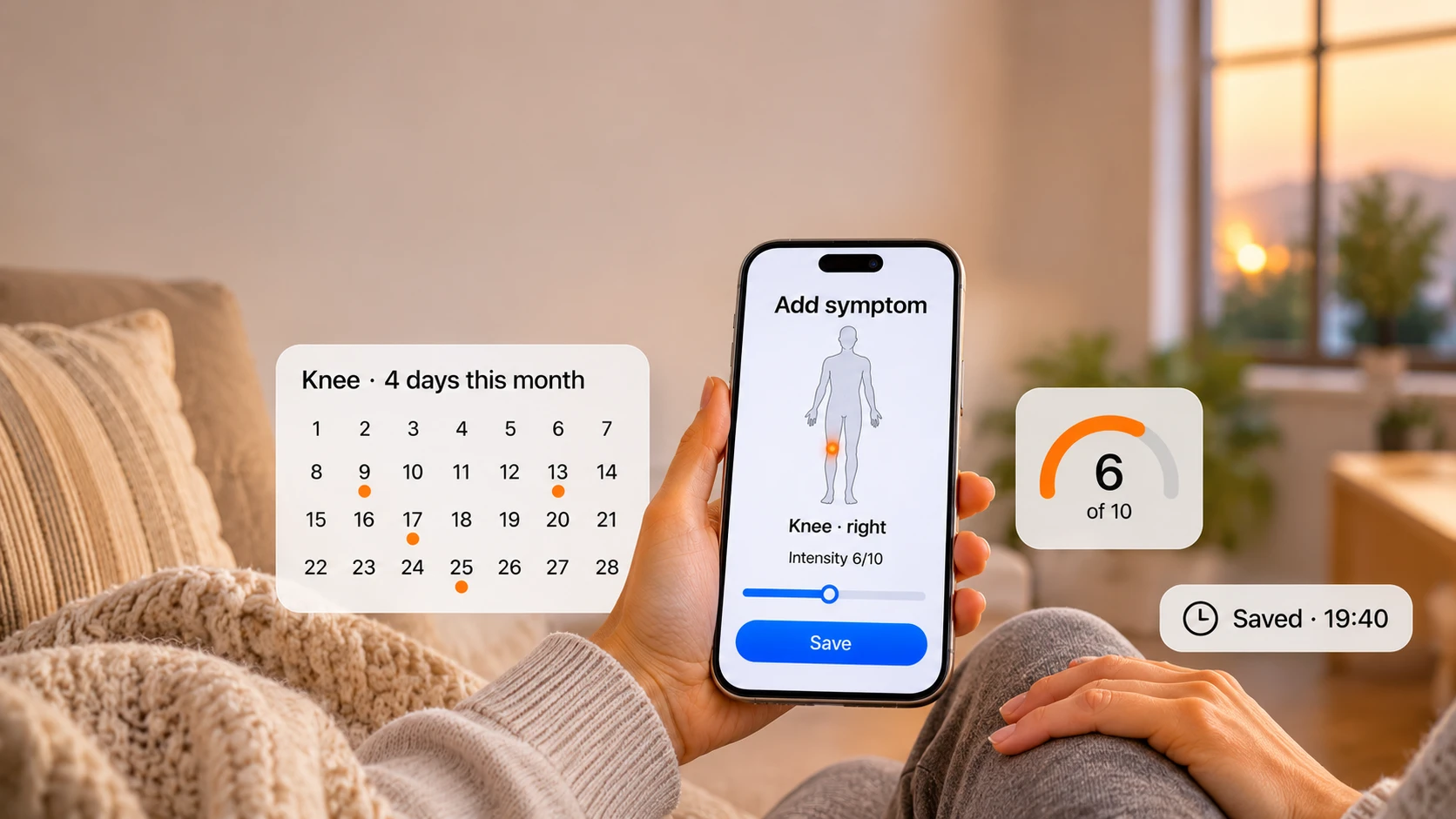
The symptom, the spot on the body and the intensity from 1 to 10, in three taps.
How you feel right now
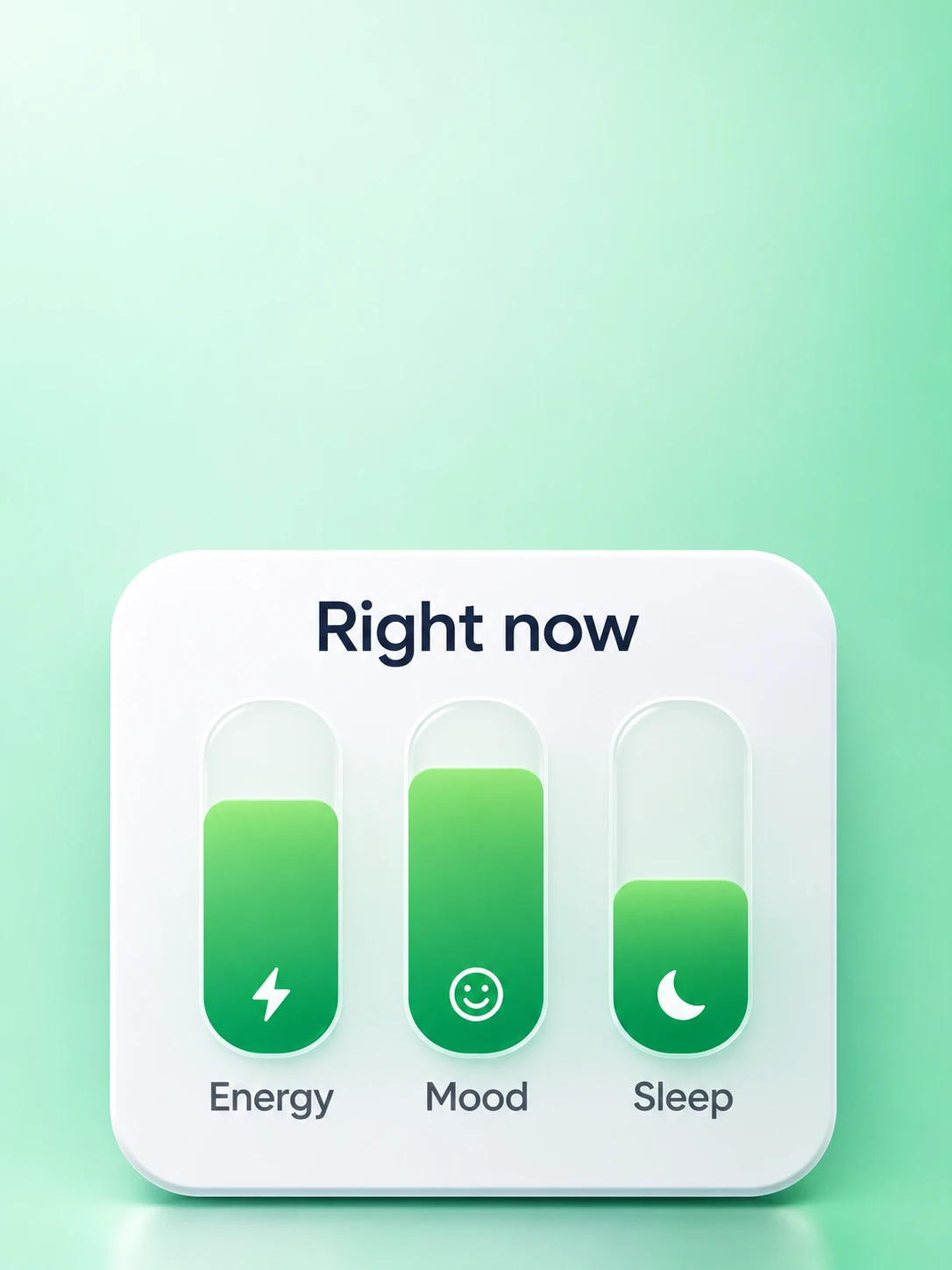
Energy, mood and sleep, so the context sits next to the symptoms.
The course over days
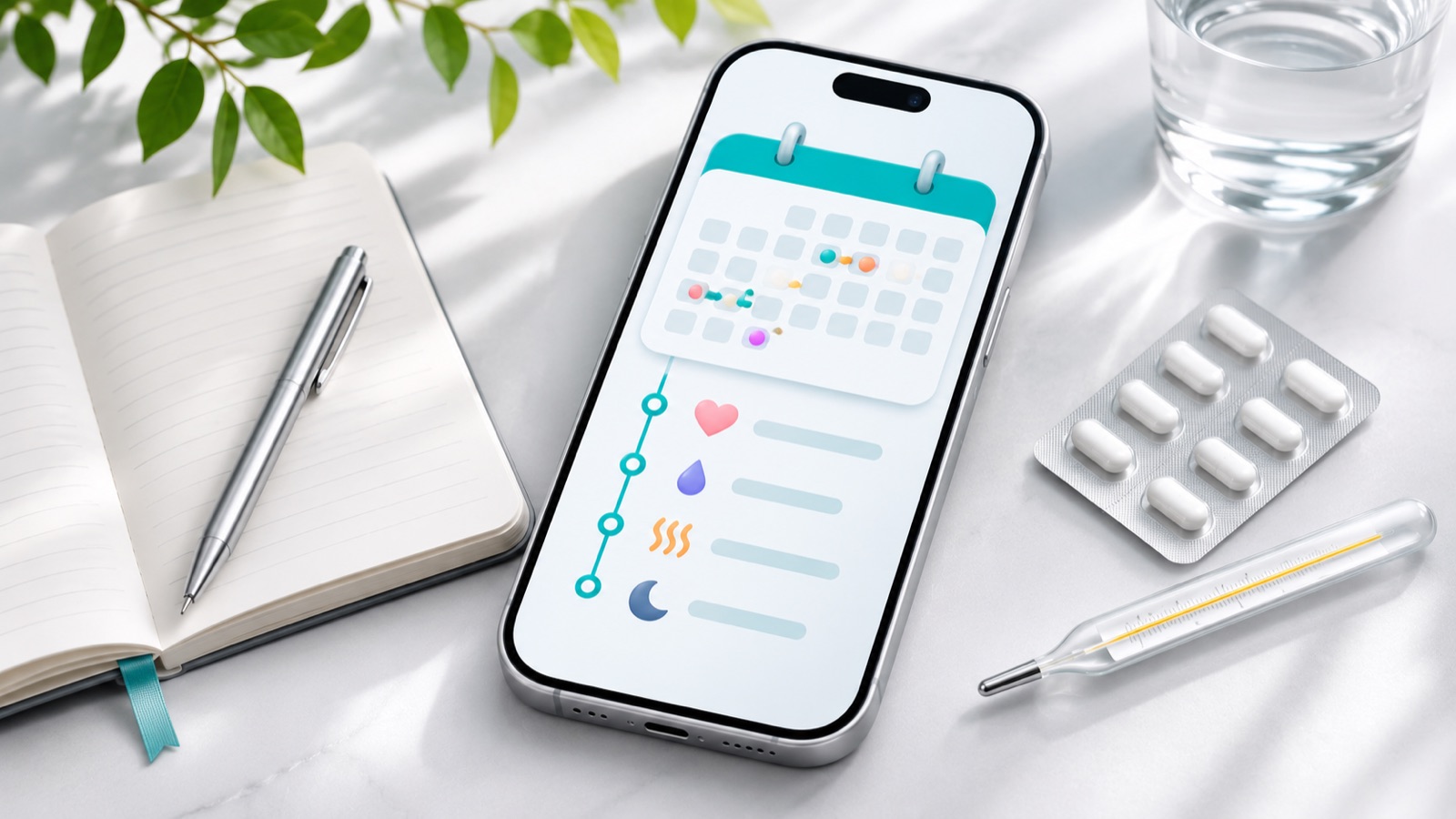
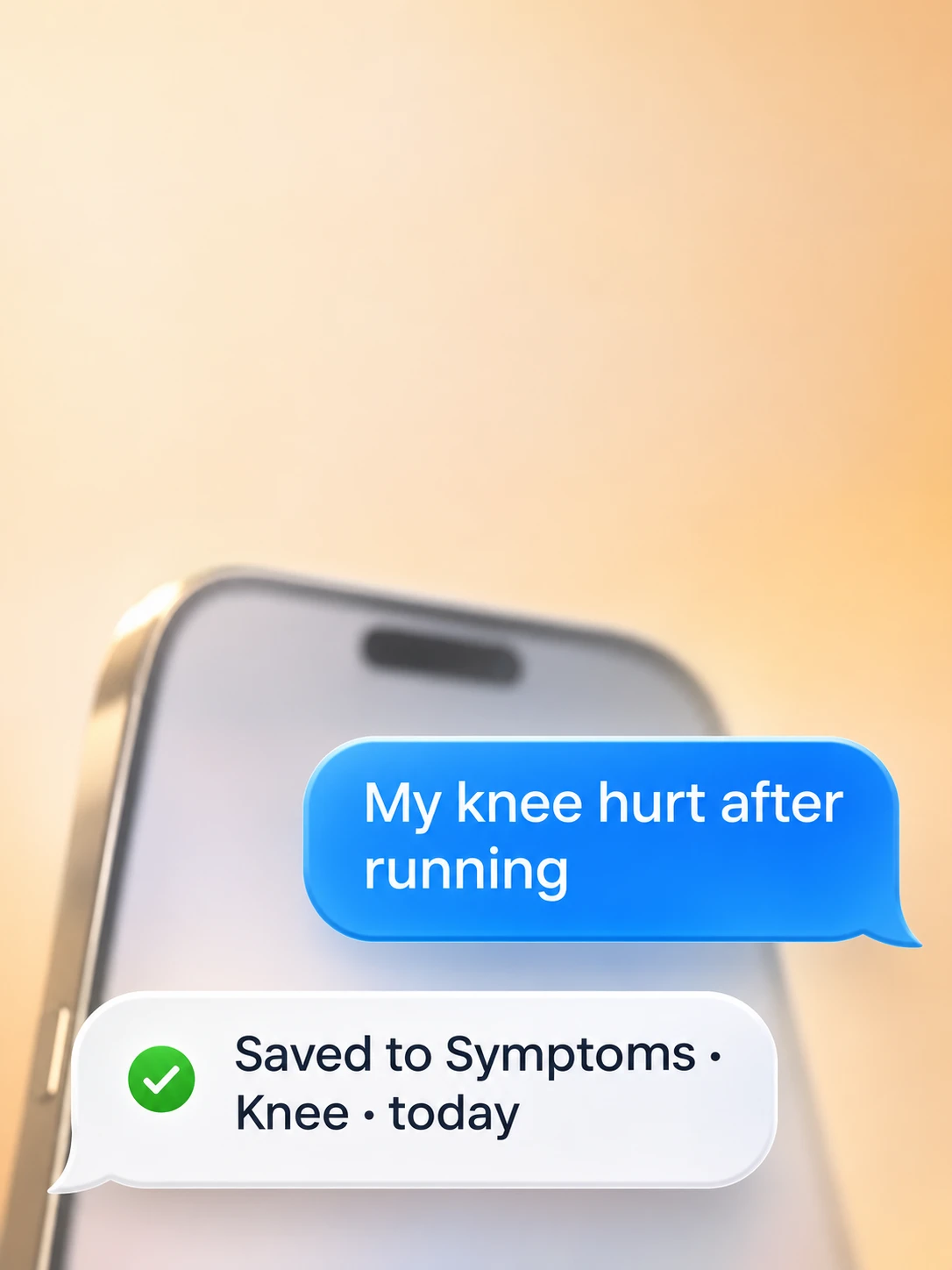
A timeline with symptoms and medications, ready to show your doctor.
What you record
What you see after a week
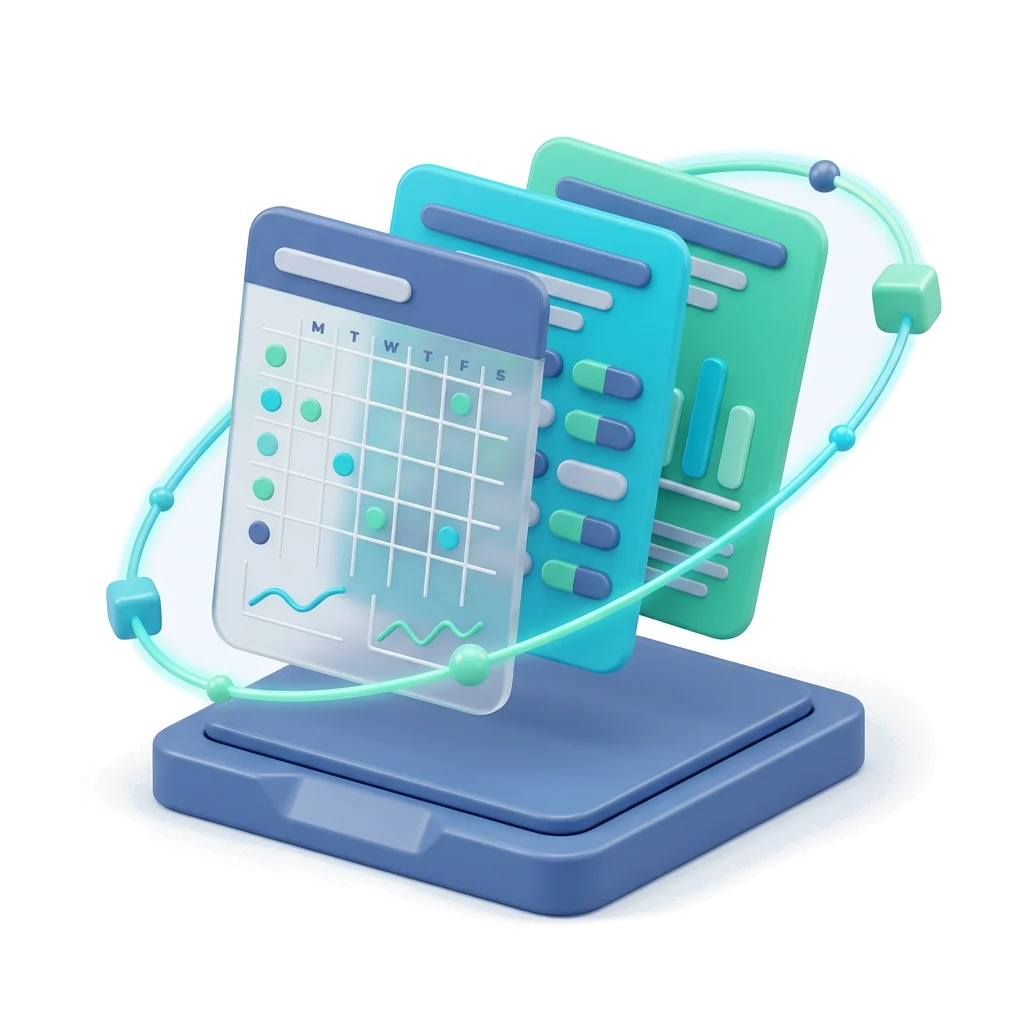
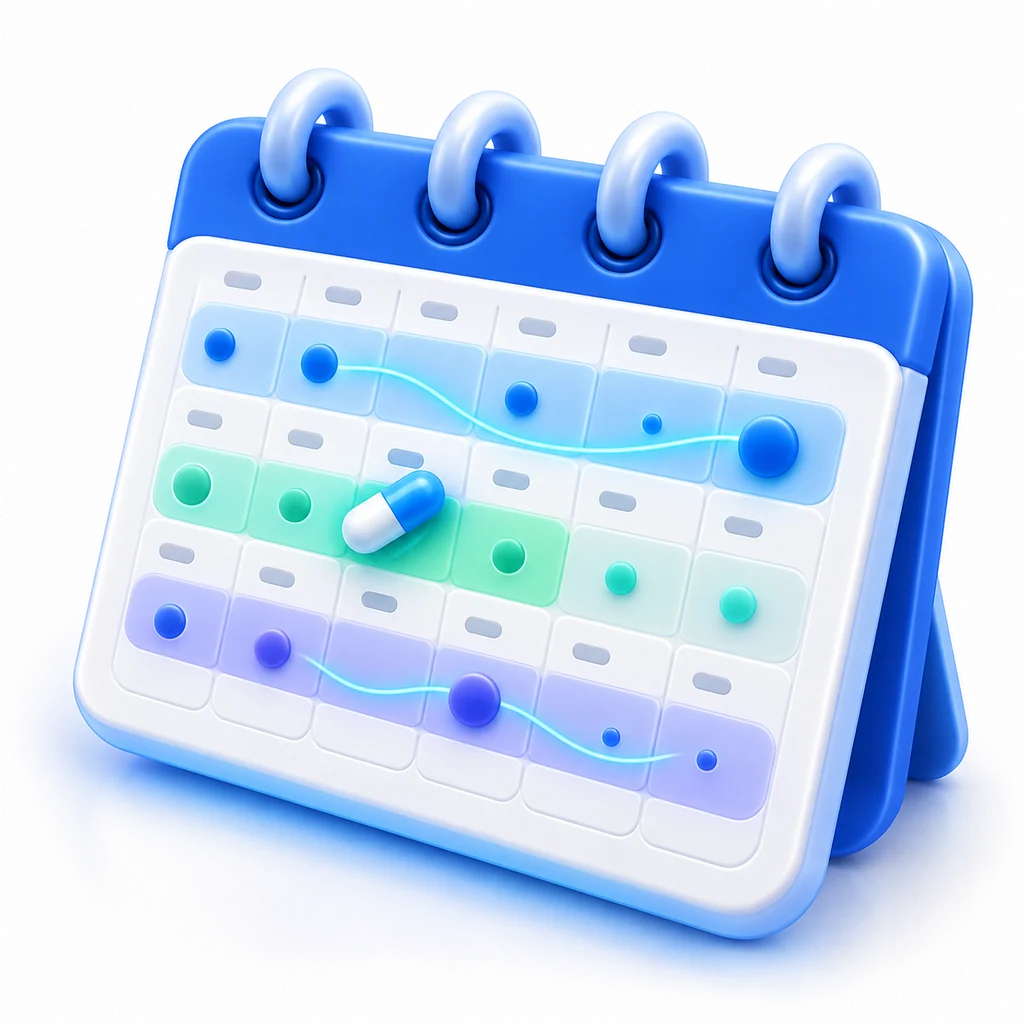
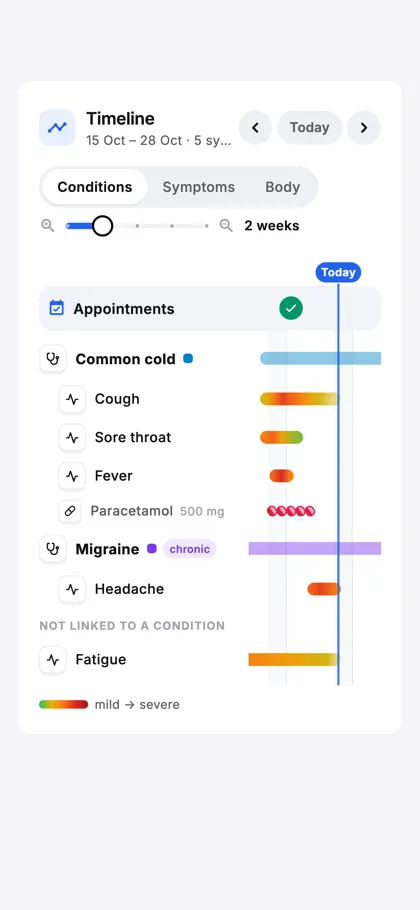
Every entry lands on one timeline, "Trend": symptoms as bands across the days, sleep above them and the medications you took below.
- Sleep (short nights stand out)
- Headache, 1 to 10
- Medication taken
Not a diagnosis, just your own data in order: exactly what the doctor is missing in a 15-minute appointment.
At the doctor
Who it helps
Comparing apps first? The guide to the best symptom tracker apps gives eight criteria to test any of them, this one included.
How to start
The symptom diary is free with no limit on the Basic plan. The AI assistant, which reads your diary and prepares your questions for the doctor, is in Plus and Max.
How it works in the app
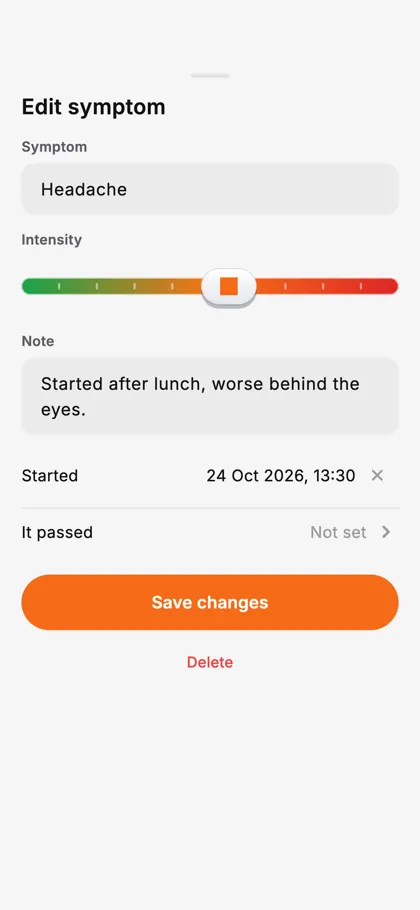
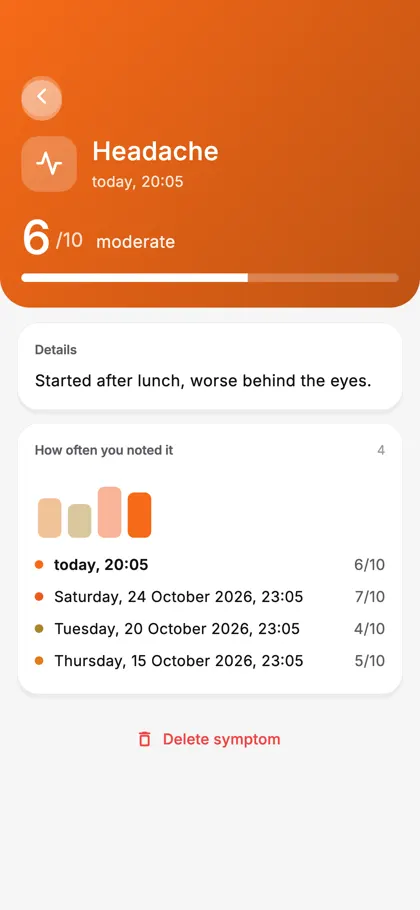
- Add a symptom in a few seconds: what you feel, where, and how strong it is on a 0–10 scale.
- Add details if you want: a note on what happened and what helped, and when it started and passed.
- See it change over weeks on the calendar timeline, next to your medications and appointments.
- Show the doctor the timeline at the visit, or put it in the report for the appointment.
A symptom tracker that is also your medical journal
A symptom on its own says little. Next to the medication you started on Monday, the short nights your watch recorded and the lab result from last month, it starts to make sense to your doctor. That is why the diary lives inside your health tracker and your personal health record, not in a separate app.
Frequently asked questions
Is there a free symptom tracker app without a subscription?
Yes. The Basic plan of Anpheros Daily is free with no end date and no subscription, and it includes the symptom diary with no limit on entries, the timeline and the PDF report for your doctor. You pay only if you want the extras of the Plus and Max plans, such as the AI assistant and family profiles.
Can I export my symptoms as a PDF for my doctor?
Yes. You pick a period and the app makes a PDF with the symptoms, their intensity and dates, together with the medications and measurements from the same days. You can print it, send it before the appointment or show it on the phone. If your doctor uses Anpheros, you can instead give them access to your record for a period you choose, and take it back at any time.
Is it good for a chronic illness?
Yes. With chronic pain, migraines or digestive problems the pattern matters more than any single episode, and the timeline shows it next to your medications and sleep.
Can I keep the diary for a child or an elderly parent?
Yes, with the Plus or Max plan, which include family profiles. You add a profile for each family member and record symptoms on that person's profile. The data stays in your account, and if the person has their own account you can give them access to what you noted.
Does the app tell me what illness I have?
No. The diary records and organises what you note. The AI assistant in the Plus and Max plans can summarise the course and suggest questions for your doctor, but it does not diagnose. For any symptom that worries you, talk to a doctor; in an emergency call 112.
Can I add photos?
Yes. You can attach one or more photos to a symptom, for example a rash or a swelling. Photos are stored encrypted in your record, not in your phone's gallery.
What happens to my data?
It is stored in the European Union, in the standard HL7 FHIR format, and it is yours: export it as a PDF or in technical format, delete it with your account, show it to whoever you choose. Anpheros does not sell data and shows no ads.
Does it work without internet?
Recording works offline on the phone and syncs when the connection comes back.
How much does it cost?
The symptom diary is included in the free Basic plan, with no limit on entries. The Plus and Max plans add the AI assistant, detailed reports and extended family profiles.
How often should I log my symptoms?
Whenever the symptom happens, and once a day for the context (sleep, medication, how you feel overall) even on good days. Logging at the time is more accurate than in the evening, and a few seconds per entry is enough. For something that comes and goes, keep it up for two to four weeks before you look for a pattern. The guide to tracking symptoms by type lists what to add for headaches, pain, fatigue and more.
What should I write in a symptom diary?
What you feel, where, how strong from 1 to 10, when it started and stopped, what you were doing, and what you took. Add a photo for anything visible. The app asks for exactly these. For ready-made lists by symptom, see how to track symptoms by type.
Can I track symptoms without creating an account?
The app needs an account, which is free on the Basic plan, so that your diary is saved and available on your other devices. If you want nothing stored anywhere, use the free printable symptom diary: it runs in your browser, nothing you type is sent anywhere, and you can print it or save it as PDF.
Is there a symptom tracker for men?
The same diary works for anyone, and men often use it for things they would otherwise not mention at a short appointment: changes in urination, sleep, energy, mood, blood pressure, or pain that keeps coming back. Noting them as they happen, with dates and strength, gives the doctor facts instead of "it's probably nothing". The app records what you note; it does not tell you what it means, so bring the timeline to your doctor.
How do I track migraines or headaches in the app?
Add each attack as a symptom with its strength, location, time and the medication you took, and note sleep and anything you suspect as a trigger each day. The timeline shows them together, and the PDF report summarises the period for your doctor. See how to track headaches and find triggers.
Can a symptom tracker use data from my watch?
Yes, on the Plus and Max plans. Sleep, heart rate and steps from Apple Watch, Galaxy Watch, Fitbit, Oura or Garmin arrive through Apple Health or Health Connect and sit next to your symptoms, so you see whether the headache followed a short night.
What is the difference between a symptom tracker and a symptom checker?
A symptom checker asks questions and guesses a cause. A symptom tracker records what you feel over days and weeks so your doctor can judge it. Anpheros Daily is a tracker: it records and shows patterns, and it does not diagnose. More in symptom checker vs symptom tracker.