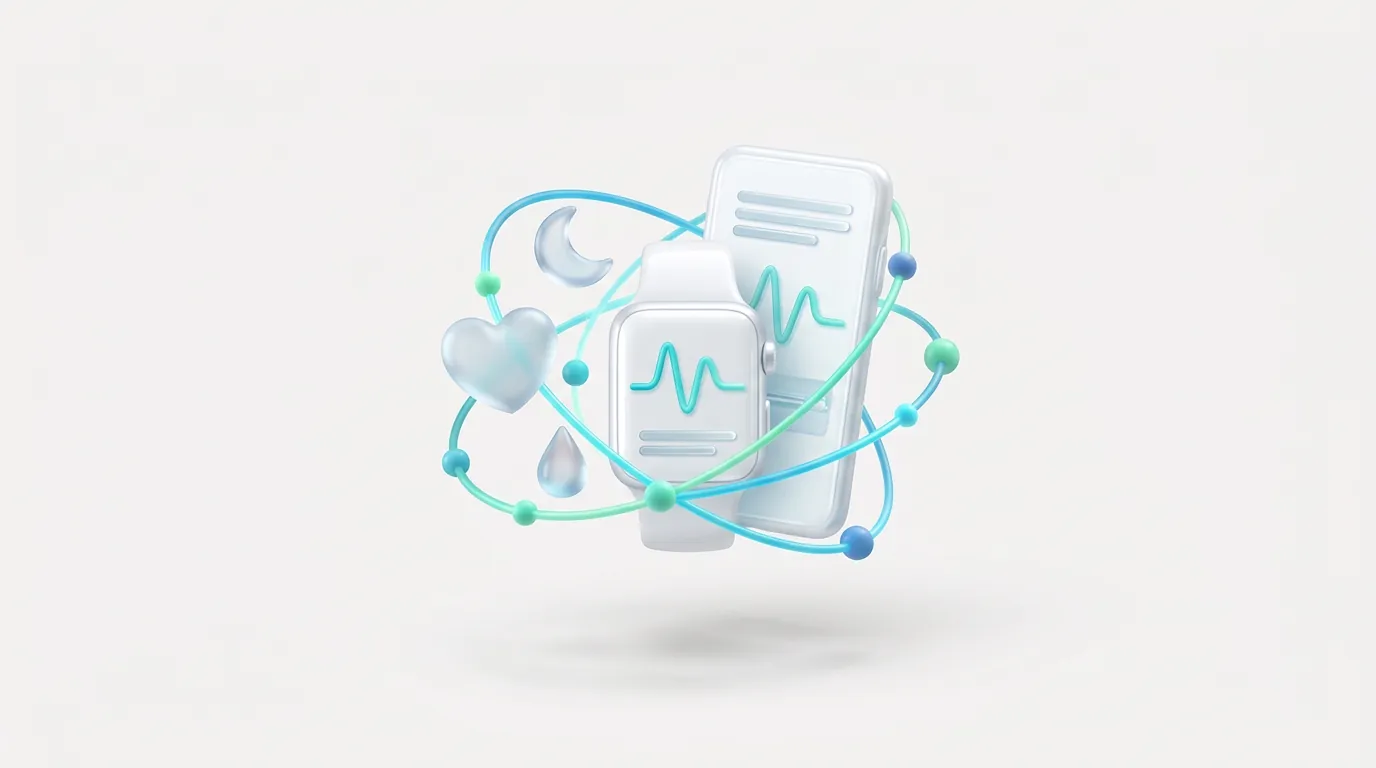
Your phone and your watch measure more than any doctor has ever measured in a healthy patient: steps every day, heart rate every few minutes, sleep every night, sometimes blood oxygen, wrist temperature and heart rate variability. The problem is not a lack of data, but that it sits locked in the manufacturer's app and never lands next to your lab results, medications and symptoms.
At a glance
| Apple Health | The health hub on iPhone: apps and devices write to it, you decide which app reads what |
|---|---|
| Health Connect | The same role on Android, since 2022, used by Samsung Health, Fitbit, Garmin and others |
| What flows through | Steps, heart rate, sleep, weight, blood pressure, glucose from connected devices, workouts |
| What does not sync | Lab results, diagnoses and letters: they are not sensor data |
| Permissions | Per data type, per app, revocable at any time in the phone's settings |
| Becoming a record | Measurements land next to results, medications and symptoms in a personal health record |
Between the watch app and your medical record there are two "bridges": Apple Health on iPhone and Health Connect on Android. This guide explains what they are, which data flows through them, how permissions work, what does not sync (and why) and how this data becomes useful in a medical record instead of just a pretty chart.
What they actually are
They are not fitness apps. They are shared health data stores on the phone, into which any app can write and from which any app can read, but only with your permission, data type by data type.
Apple Health (the "Health" app) has existed on iPhone since 2014. Apple Watch writes into it automatically; hundreds of apps and devices (scales, blood pressure monitors, glucose meters, sleep apps) write to and read from it. The data lives on the phone and, if you have iCloud enabled, encrypted in iCloud. There is no Apple Health on the web or on Android, and no "cloud" API: an app reaches your data only by running on your iPhone.
Health Connect is Google's equivalent for Android. It appeared in 2022 as a separate app and, since Android 14 (2023), is part of the system. Samsung Health, Google Fit, Fitbit, Garmin, Withings, Oura and others write into it; medical record apps read from it. As with Apple, the data lives on the phone; there is no Health Connect cloud, and an app reads it only from your device.
Why this model matters: neither Apple nor Google "see" your health data to use it; they are a local store with a permission system. What you do with access is your decision.
Which data flows through them
The full list has over 100 types, but the ones that matter for most people:
- Activity: steps, distance, floors, active calories, exercise minutes, workouts (with type, duration, average heart rate).
- Heart: heart rate (resting, during the day, during exercise), heart rate variability (HRV), irregular rhythm notifications, ECG (on watches that have it), estimated VO₂ max.
- Sleep: hours of sleep, stages (light, deep, REM), bedtime and wake time.
- Body: weight, height, body fat percentage, muscle mass (from smart scales), body or wrist temperature.
- Breathing and oxygen: respiratory rate during sleep, oxygen saturation (SpO₂).
- Vital signs: blood pressure (from connected monitors; consumer watches do not measure it medically), blood glucose (from meters and continuous sensors).
- Nutrition and hydration, if you log them in an app.
- Menstrual cycle, symptoms, mood, in apps that write them.
The essential difference between Apple Health and Health Connect: Apple Health can also store a clinical record (Health Records: lab results, medications, diagnoses, vaccinations) imported via FHIR directly from hospitals in the US and a few other countries. Health Connect, in 2026, deals with data from devices and apps; medical records have been announced and are being rolled out gradually. For the rest of the world, the clinical record comes from your medical record app, not from the phone's platform.
How permissions work
The model is the same on both platforms and is, in fact, exemplary:
- An app asks for access to specific data types, separately for reading and writing. "Read steps and heart rate, write weight", not "access to health".
- You approve or refuse each type individually. You can let an app see your steps but not your sleep.
- You can revoke at any time, from the Apple Health or Health Connect settings, without uninstalling the app.
- You can see the access history: which app read what and when (in Health Connect, explicitly, for the last 30 days).
Two practical rules: give an app only what it needs for what you want from it (a medical record app needs read access, not write access, for most types), and check the list of apps with access once a year; the ones you no longer use have no reason to keep reading.
What does not sync, and why
Three limits everyone runs into:
The watch writes to the manufacturer's app, not directly to Health Connect. On Android, Galaxy Watch writes to Samsung Health, Garmin to Garmin Connect, and these, if you allow it, write on to Health Connect. If the manufacturer's app does not have syncing turned on, Health Connect is empty. On iPhone, Apple Watch writes directly to Apple Health; other manufacturers' watches still go through their own app.
Not all data is equal. Steps from the watch and steps from the phone can be counted twice if both write; the platforms have priority and deduplication rules, but they are not perfect. "Resting" heart rate is calculated differently by each manufacturer. Sleep is an estimate from movement and heart rate, not a sleep study.
History is not unlimited. Health Connect keeps data for 30 days from writing for apps that read (the data stays longer in the source app); an app that wants the history must read regularly and store it itself. Apple Health keeps everything, but moving to a new phone requires an iCloud or encrypted backup.
And a limit that is not technical: not all data deserves to be in the medical record. Heart rate every 5 minutes is noise for a doctor; resting heart rate over weeks, average sleep over months, steps per day are signal. A good record app aggregates; it does not copy everything.
How the data becomes useful in a medical record
The difference between "I have a steps chart" and "I have medical data" lies in three things:
Standardisation. In your record, resting heart rate should be a FHIR Observation with a LOINC code (40443-4), a UCUM unit (/min), a date and a source ("Apple Watch, via Apple Health"). That way it can sit on the same axis as the heart rate your doctor measured and be read by any system.
Provenance. A doctor wants to know whether the weight comes from a connected scale or was entered by hand, whether the blood pressure is from a validated device or a watch estimate. The record must keep the source of every value.
Context. Steps next to medications, sleep next to symptoms, resting heart rate next to lab results. A resting heart rate that rises by 10 beats in the week you started a new medication is information; the same numbers in a fitness app are a chart. How this looks in practice is on the fitness tracker app page: steps, sleep and heart rate from any watch, next to lab results and medications.
In practice the good flow looks like this: the watch measures → the manufacturer's app → Apple Health / Health Connect → the medical record app reads periodically, aggregates by day or week, codes and places on the timeline. You do nothing after the initial setup.
How to set it up, step by step
On iPhone:
- Apple Watch writes to Health automatically. For other watches or devices, install the manufacturer's app and allow it to write to Health.
- Open your medical record app, start the Apple Health connection and approve the data types you want it to read.
- In Health → Sharing → Apps, check at any time who has which access.
On Android:
- Check that Health Connect is installed (Android 14+ has it under Settings → Health; on older versions it is installed from the Play Store).
- In the watch app (Samsung Health, Garmin Connect, Fitbit etc.), turn on syncing with Health Connect and choose which types it writes.
- In the medical record app, connect Health Connect and approve reading the types you want.
- In Health Connect → App permissions, check and revoke at any time.
On the web or on a Mac there is no direct access to these platforms; the data gets there only through the record app that read it from your phone and stored it in your account.
Privacy: who sees what
Data in Apple Health and Health Connect is, under European law, health data (Article 9 of the GDPR). Worth knowing:
- Apple and Google do not receive the data for advertising; the store is local, and Apple's backup is encrypted. Google has stated explicitly that Health Connect does not send data to Google's servers.
- The watch manufacturer's app has its own cloud (Samsung, Garmin, Fitbit/Google, Withings) and its own rules; read them, especially for those that also sell you "coaching" subscriptions.
- The medical record app that reads the data stores it in your account; from there on its rules apply: where it is hosted, who has access, how you export and delete.
The golden rule: give read access to apps you trust to treat the data as medical data, not as marketing data.
How Anpheros helps
Anpheros Daily reads from Apple Health on iPhone and from Health Connect on Android, with per-type permissions, read-only. Steps, resting heart rate, heart rate variability, sleep, weight and oxygen saturation are aggregated by day, coded as FHIR Observation resources with LOINC and UCUM, with the source kept ("Galaxy Watch, via Samsung Health and Health Connect"), and placed on the same timeline as lab results, medications and symptoms. The history stays in your record, hosted in the EU, even if the phone platform keeps it for only 30 days, and exports with the rest of the record. On Mac and the web you see the same data, synced from the phone.
Frequently asked questions
Do I need a watch to use Apple Health or Health Connect?
No. The phone alone counts steps and distance, and connected scales, blood pressure monitors and glucose meters write to the platform without a watch. The watch adds continuous heart rate, sleep and workouts.
Why does Health Connect not show data from my Galaxy Watch?
Most often because syncing is not turned on in Samsung Health (Settings → Health Connect) or because Samsung Health does not have write permission for that type. Also check in Health Connect that Samsung Health appears as a source.
Is watch data accurate enough for a doctor?
It depends on the type. Steps and heart rate are reasonably accurate for trends. Sleep is an estimate. Blood pressure and glucose from consumer watches are not medically validated; use a connected blood pressure monitor or glucose meter. A good doctor looks at the trend and the context, not at an isolated number from a watch.
Can I move data from an iPhone to an Android (or the other way round)?
Not directly; Apple Health and Health Connect do not talk to each other. The solution is a medical record app that read the data from the old phone and keeps it in your account; on the new phone you still see it, and new data comes through the new phone's platform.
If I revoke an app's access, what happens to the data it already read?
It stays with the app that read it, under its rules. Revoking stops future reads. If you want the old data gone too, request deletion from that app (in the EU you have the right, under the GDPR).
Note what you feel, when it happens
Log symptoms, measurements and sleep in Anpheros Daily and show the timeline to your doctor.
How it works in the app →Works in your browser · no app needed
Anpheros builds a medical record that the patient controls and can share with any clinic, on an HL7 FHIR R4 platform, based in the EU. These guides help you understand and organise your health; they do not replace your doctor.
About Anpheros → Anpheros
The more you log, the clearer your record
Your health history in one place, under your control.
- Symptom diaryPatterns show over time
- Emergency cardA QR code anyone can scan
- All your resultsLabs and reports together
- You decideWho sees what, and for how long
Free · Works in your browser · No card