Search for the best symptom tracker app and you get lists of ten names with star ratings. Stars measure the first week. A symptom diary is judged in week six, when you are tired of it, and in the ten minutes at the doctor, when it has to show a pattern instead of a pile of entries. This guide skips the ranking and gives you what lasts: the four kinds of symptom tracker, eight criteria that separate a useful diary from an abandoned one, and a five-minute test for each. Anpheros Daily is one of the apps described; we say where it fits and where it does not.

At a glance
| Four kinds | Condition-specific diaries, general symptom trackers, health hubs with a symptom field, personal health records |
|---|---|
| Judged in week six | An entry in under half a minute, or the diary is abandoned |
| Criteria | Fast entry, symptoms and medications on one timeline, photos, standard coding, export, no diagnosis |
| Be careful with | Checkers disguised as trackers, lists paid by apps, diaries with no export |
| For the doctor | A one-page summary or a time-limited link, not a pile of entries |
| Anpheros Daily | Symptoms coded to ICD, on the same timeline as doses and results; free Basic plan |
The four kinds of symptom tracker
1. Paper or a printable template
Still the fastest to start and the easiest to hand over. It works well for a two-week diary a specialist asked for. It fails at what comes after: no chart, no link to the medication you started, and the sheet is gone when you need it a year later. If paper is what you want, our free symptom diary template prints with your dates.
2. Condition-specific apps
Apps built for one condition: migraine, irritable bowel, eczema, the menstrual cycle, diabetes. They know the right questions for that condition and often have good charts. Their limit is the edge of that condition. Most people who track for months have more than one thing going on, and a migraine app does not know about the new blood pressure tablet.
3. The health app on your phone
Apple Health, Samsung Health and Google's Health Connect are built for measurements from devices: steps, sleep, heart rate, weight. Some let you log a few symptoms, but they are not designed around a diary you show a doctor, with intensity, the place on the body, notes and photos, and a report on one page.
4. General symptom diary apps
An app where you note any symptom, for any condition, and see it over time next to the rest of your health. This is what most "best symptom tracker apps" lists mean, and it is the group Anpheros Daily belongs to. The differences inside the group are what the criteria below are about. If you are not sure whether you need a tracker or a checker, symptom checker vs symptom tracker explains the difference.
Eight criteria that matter more than star ratings
- Speed of entry. If one entry takes more than half a minute, you stop by the second week. Check: time your third entry, not your first.
- Intensity and place, not just yes or no. "Headache: yes" says nothing. A number from 1 to 10, the spot on the body and a word for what it feels like (throbbing, burning, dull) are what a doctor asks for.
- A timeline next to medications and sleep. The value of a diary is the pattern: the headache after short nights, the rash two days after a new tablet. Check: after a few entries, can you see symptoms and medications on the same screen?
- A report the doctor can read in a minute. A PDF for a period, or a link you can share for a limited time, beats scrolling through your phone in the appointment. Our guide on how to track symptoms for your doctor shows what that page should contain.
- Export in a standard format. Two years of diary should not be locked inside one app. Look for an export beyond PDF, ideally HL7 FHIR, the format hospitals exchange data in.
- Family. If you note a child's fever or a parent's dizziness, each person needs their own profile, not a tag inside yours.
- Privacy. Symptoms are health data, the most protected category under the GDPR. The privacy policy should name where data is stored, and say plainly that there are no ads and no data sales.
- Price, honestly. What is free, with which limits, and for how long. A diary only helps if you can keep it for months without hitting a paywall halfway.
What to be careful about
- An app that names your illness. A tracker records; a diagnosis comes from a doctor. Apps that guess a condition from your entries are symptom checkers, a different tool with known limits.
- Ranking lists paid by the apps they rank. The order is not always the merit.
- Beautiful charts with no export. Try the export before you trust the app with a year of entries.
- Free trials that expire. A diary you abandon after 14 days because the trial ended is worse than paper.
Where Anpheros Daily fits, and where it does not
Against the eight criteria, honestly:
| Criterion | Anpheros Daily |
|---|---|
| Speed | A few taps per entry; about 20 seconds once you know the app |
| Detail | Symptom from a list or in your own words, place on a body outline, intensity 1 to 10, character, optional photo |
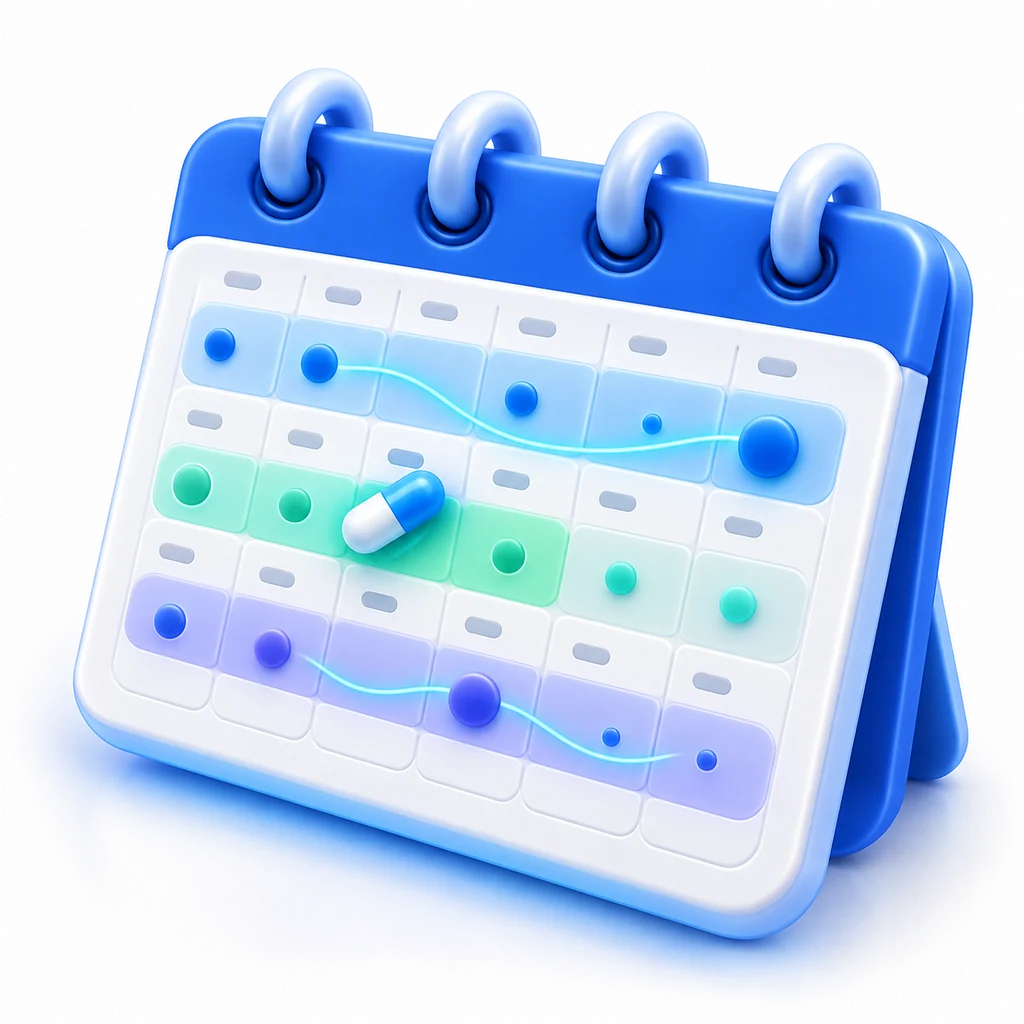
| Timeline | "Trend" view with symptoms as bands across days and the medications you took underneath |
| Report | PDF for a period, or a time-limited link for your doctor |
| Export | PDF, HL7 FHIR R4 and the International Patient Summary, at any time |
| Family | Separate profiles for children and parents, on the Plus and Max plans |
| Privacy | Stored in the European Union under the GDPR; no ads, no data sales |
| Price | The symptom diary is in the free Basic plan with no limit on entries; Plus and Max add the AI assistant, data from your watch and family profiles |
Where it does not fit: it does not diagnose and does not tell you what to take; it is not a specialised migraine or cycle app with that condition's own questionnaires; and it does not send automatic symptom reminders on a schedule, you open it when something happens. The product page describes the symptom tracker app in detail.
Which kind for which situation
- A specialist asked for "a diary for two weeks": paper, the printable template or any general diary app; what matters is that you write on the day.
- A chronic condition, months or years: a general diary app with a timeline and export, so the pattern next to treatments stays readable when you change doctors.
- One well-defined condition (migraine, cycle, eczema): a condition-specific app can be the best choice, as long as it exports.
- Starting a new treatment: a diary that shows symptoms and medications on the same timeline, to tell side effects apart from the illness; our guide on tracking medication and side effects explains how.
- A child or a parent: separate profiles, so each person's history stays their own.
- Mostly numbers, not symptoms (blood pressure, weight, glucose, sleep): see the best health tracker apps without a subscription.
How to choose in ten minutes
- Install the candidate and note one real symptom with intensity and place.
- Note two more over the next day and time the third.
- Add one medication and see whether it appears on the same timeline.
- Generate the report for your doctor and read it as if you had one minute.
- Find the export, and read where the data is stored.
Whatever you choose, the rule is the same: write it on the day, with a number, and bring the summary, not the phone, to the appointment.
Frequently asked questions
What is the best symptom tracker app?
There is no single best one; it depends on what you track and for how long. For one condition, a specialised app may suit you. For anything that lasts months or involves more than one symptom, choose a general diary by the criteria above: fast entry, intensity and place, a timeline next to medications, a report for the doctor, a standard export and clear privacy. Anpheros Daily is built to meet them; test it against them like any other app.
Is there a free symptom tracker app?
Yes. The symptom diary in Anpheros Daily is in the free Basic plan, with no limit on entries and no trial period, together with the timeline and the PDF report for your doctor. Paper and the printable symptom diary template are free too.
What is a good symptom tracker app for chronic illness?
One you will still use in month six: quick entries, intensity on a scale, the timeline next to your medications and sleep, and an export so years of entries move with you when you change doctors or apps. For conditions such as ME/CFS, long COVID, fibromyalgia or chronic pain, the pattern over weeks matters more than any single day.
Can a symptom tracker app tell me what I have?
A tracker should not. It records and organises what you note so a doctor can see the course. Apps that name a possible condition are symptom checkers, a different tool. Anpheros Daily does not diagnose; for any symptom that worries you, talk to a doctor, and in an emergency call your local emergency number.
How do I show my symptom diary to my doctor?
As a one-page summary for the period, not by scrolling through the phone. In Anpheros Daily you generate a PDF or a time-limited link; with your consent, a doctor who uses Anpheros can also see the record for a period you choose.
Can I track symptoms for my child or a parent?
Yes, on a separate profile for each person, so their history stays theirs. In Anpheros Daily family profiles are part of the Plus and Max plans.
Is my symptom data safe in an app?
Check three things in the privacy policy: where the data is stored, who can see it and how you give access, and whether the app shows ads or sells data. Anpheros Daily stores data in the European Union under the GDPR, shows no ads, sells no data, and every access you give is time-limited and logged.
Try it in Anpheros Daily
Log symptoms, measurements and sleep in Anpheros Daily and show the timeline to your doctor.
How it works in the app →
Anpheros builds a medical record that the patient controls and can share with any clinic, on an HL7 FHIR R4 platform, based in the EU. These guides help you understand and organise your health; they do not replace your doctor.
About Anpheros → Anpheros
The more you log, the clearer your record
Your health history in one place, under your control.
Free · Works in your browser · No card