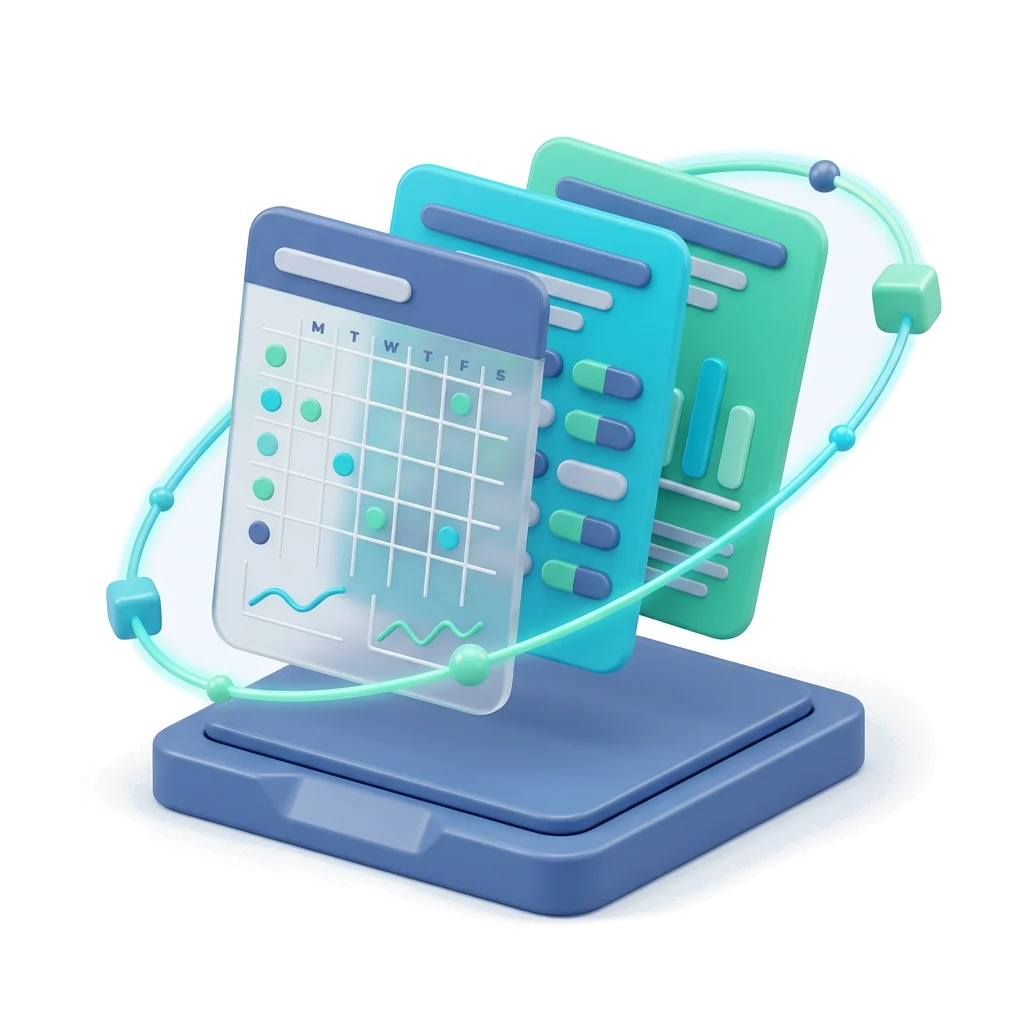

In short: this is a free blood sugar log you can fill in right on this page. Write each reading from your meter with the date, the time and when you measured it (fasting, before or after a meal, at bedtime). The chart shows your readings over time, and you can print the log or save it to your free Anpheros record. The log keeps your numbers; what they mean for you is a conversation with your doctor or diabetes nurse.
This is a log of the values you enter. It does not interpret them or give medical advice. Talk to your doctor about your results and your targets.
| What it records | Date, time, the reading (mmol/L or mg/dL), when you measured, a short note |
|---|---|
| What you see | Your readings over time, on one chart |
| How you keep it | Print or save as PDF, or save to your free medical record |
| What it does not do | It does not judge your readings or suggest doses |

Each reading, with its moment
Fasting, before or after a meal, bedtime: the context your doctor asks about.
See them over time
A simple chart of your readings, day after day, without any labels on them.
Keep them in your record
Save the log to your free account, next to your lab results and medicines.
How do I use this blood sugar log?
- Choose the unit your meter uses: mmol/L or mg/dL.
- After each measurement, add a row with the date, the time and the number exactly as the meter shows it.
- Pick when you measured: fasting, before a meal, after a meal or at bedtime, and add a note if something mattered (a missed meal, exercise, feeling unwell).
- Press Print or save as PDF for your appointment, or save the readings to your free account.
What should I write next to each reading?
The time and the moment of the day, because the same number means something different fasting and after a meal. Note anything that may matter to your care team: food, activity, illness, a change in medicines. Your doctor or diabetes nurse tells you how often to measure and which readings they want to see.
Paper, online or app?
Paper works anywhere; filling it in online saves the handwriting and draws the chart for you; your record keeps the readings for months, next to your HbA1c and other lab results, ready to share with your doctor.
Frequently asked questions
Is this blood sugar log free?
Yes. You can fill it in, print it and save it as a PDF without an account. Saving it to your Anpheros record is free too.
Does it tell me if my blood sugar is too high or too low?
No. The log records your readings and shows them over time. What they mean for you, and your personal targets, come from your doctor or diabetes nurse. If you feel unwell, follow the plan your care team gave you or call your local emergency number.
Can I use mg/dL instead of mmol/L?
Yes. Choose the unit at the top of the log; it applies to all readings. To convert a single value, use the free lab unit converter.
Where are my readings stored?
What you type stays only in this browser until you save it. If you save it to your account, it is stored in the European Union, in your medical record, under your control.