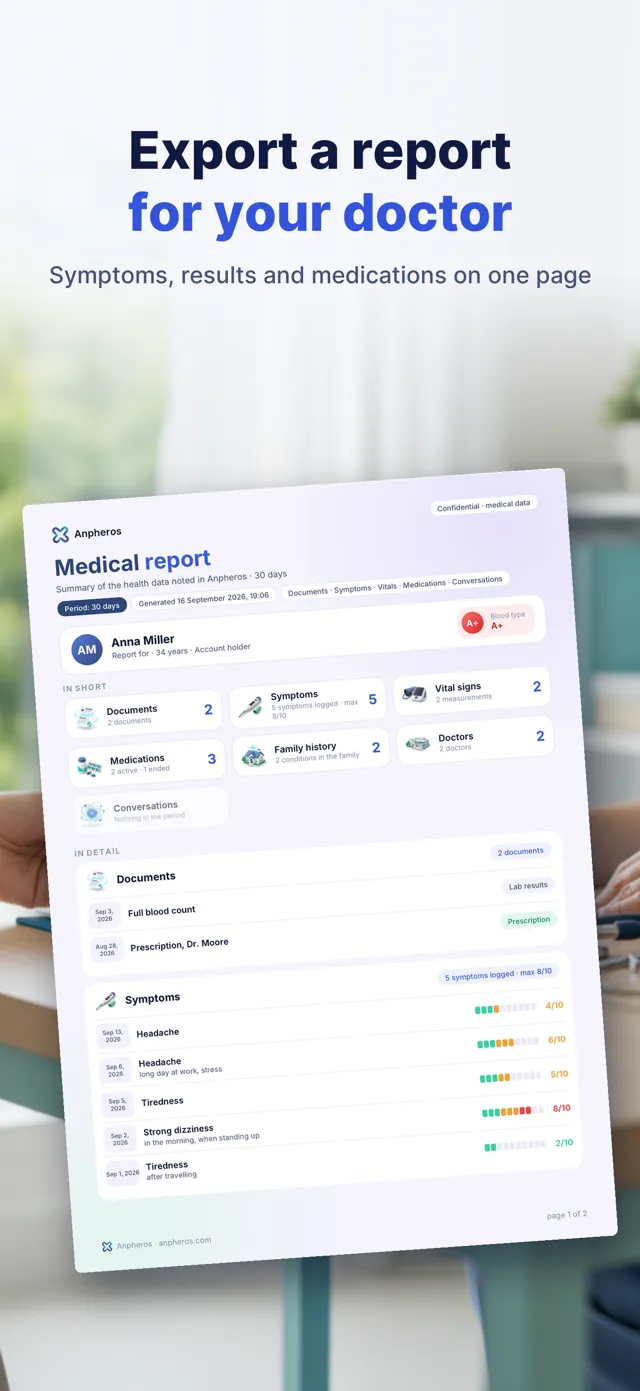
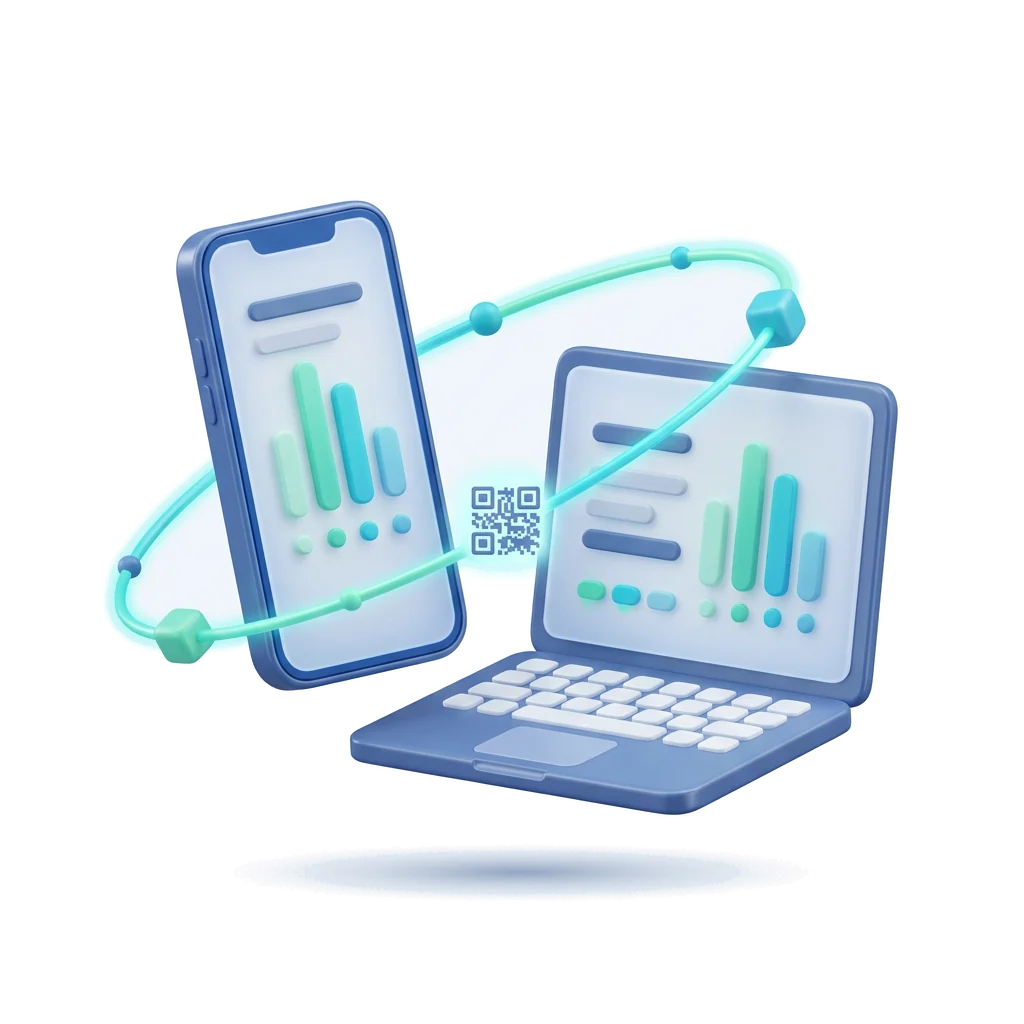
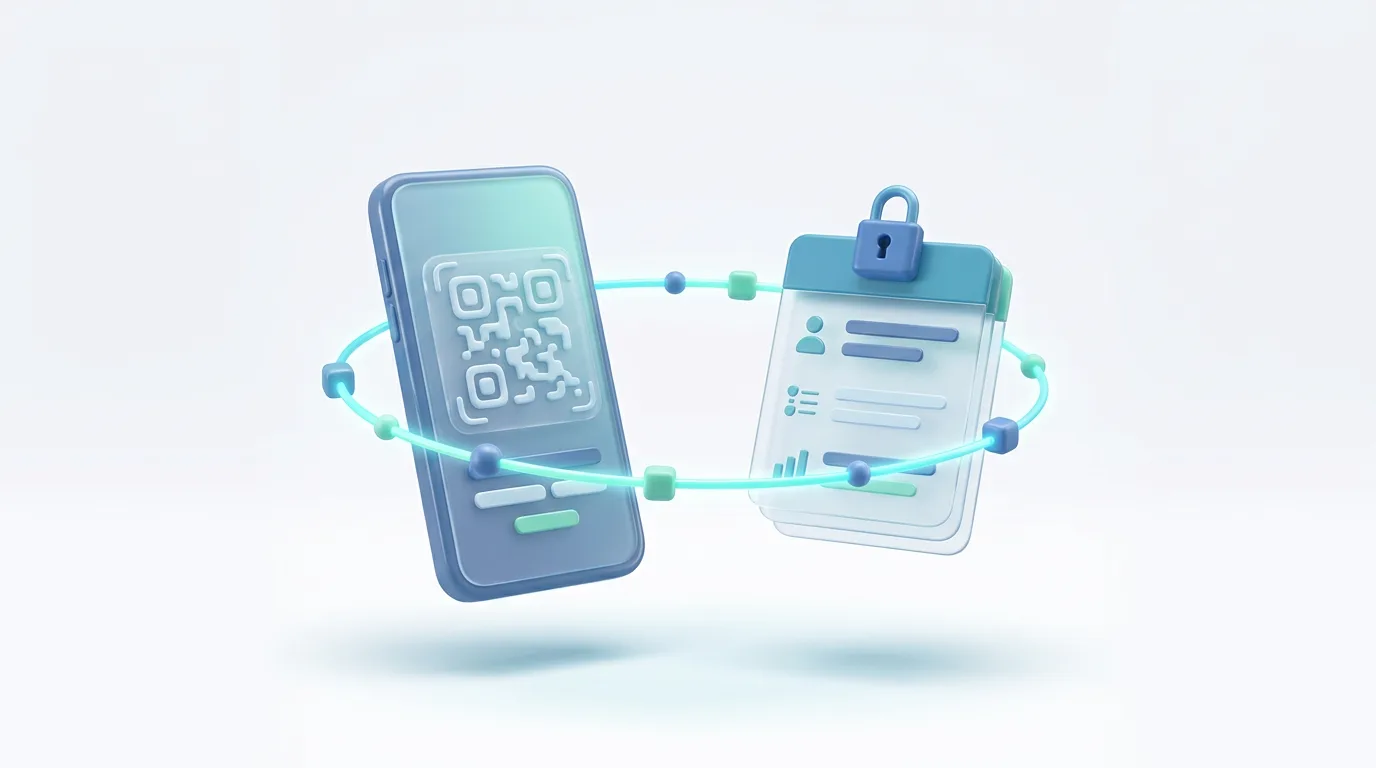
In short: a SMART Health Link is a link (or the QR code that holds it) that opens your health summary on the doctor's side. The content travels encrypted, the link can expire and can have a passcode, and it follows an open standard, so any system that supports it can read it. It is the quickest way to share a summary without sending a file around.
It is one of the practical tools of health transparency: you decide what to share, with whom, for how long, and you can see when it was opened.
At a glance
| What it is | An open standard (SMART Health Links, from the SMART Health IT project) for sharing health data with a link or QR code |
|---|---|
| What it opens | Usually a health summary, often in the International Patient Summary format (HL7 FHIR) |
| Security | The shared file is stored encrypted, and the key travels only inside the link, so the place where the file is stored cannot read it without the link |
| Control | Optional expiry date and passcode; you can cancel it |
| vs a PDF by e-mail | No file left in inboxes, can expire, and a system can read the data instead of retyping it |
How it works, in plain words
- You create the link in an app that supports it, choosing what it contains, whether it expires and whether it needs a passcode.
- The app shows a link and a QR code. You send the link or show the QR code to the doctor.
- The doctor opens it in a browser or in their system; the summary is decrypted on their side.
- When the link expires or you cancel it, it no longer opens.
What it is good for
- A new doctor, or a specialist you see once.
- A doctor or pharmacist abroad, while cross-border exchange between national systems is still being rolled out (see health data portability).
- An emergency: a card with a QR code that shows only the basics. In Anpheros this is the emergency card, which shows only the essential data, not your history.
SMART Health Links, the International Patient Summary and a PDF
The link is the way of sending; the International Patient Summary is the content it usually carries. A PDF of the same summary is still useful for printing. Many apps offer all three; choose the link when you want an expiry date and to know when it was opened.
In Anpheros Daily
In the app you create a link and its QR code for a doctor, with either the emergency essentials (allergies, treatments, conditions, vaccines) or your full record (also results and history). The link follows the SMART Health Links standard; you choose how long it works (7, 30 or 90 days, or with no end date for the emergency summary only); a link to your full record always needs a passcode, and for the emergency summary a passcode is optional. You see when it was opened and you can switch it off at any time. Step by step: how to share your record with any clinic.
Frequently asked questions
What is a SMART Health Link?
An open standard for sharing health data with a link or a QR code. The content is encrypted, the link can expire and can need a passcode, and any system that supports the standard can read it.
Is a SMART Health Link safe?
The shared file is stored encrypted, and the key travels only inside the link, so the place where the file is stored cannot read it without the link. The app that creates the link (Anpheros, in this case) prepares the content, so it sees it when the link is made. Treat the link like the information it opens: share it only with the person who needs it, and use an expiry date or a passcode.
What is the difference between a SMART Health Link and a SMART Health Card?
A SMART Health Card is a signed, fixed record (often used for vaccination certificates). A SMART Health Link points to data that can be larger, can be updated and can expire.
Can a doctor abroad open it?
Yes, in a web browser, if the app that created it provides a viewer page, as Anpheros does. Systems that support the standard can also import the data.
Try it in Anpheros Daily
Create a link and QR code to your record in Anpheros Daily, choose how long it works, and switch it off at any time.
How it works in the app →
Anpheros builds a medical record that the patient controls and can share with any clinic, on an HL7 FHIR R4 platform, based in the EU. These guides help you understand and organise your health; they do not replace your doctor.
About Anpheros → Anpheros
The more you log, the clearer your record
Your health history in one place, under your control.
Free · Works in your browser · No card