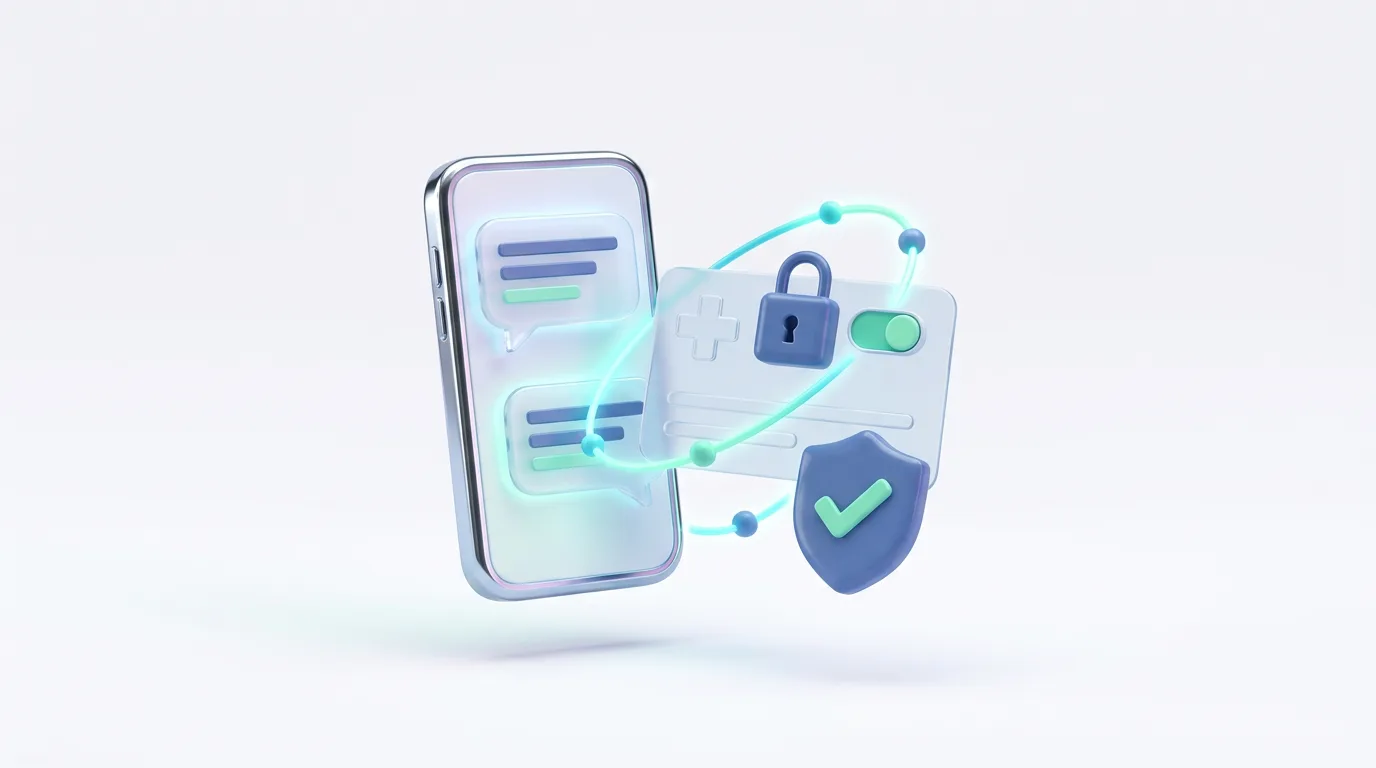
Short answer: what you tell ChatGPT about your health usually stays in that chat. With the Anpheros Health connector, ChatGPT can save symptoms, measurements and short notes into your own Anpheros health record when you ask it to, so they are there next time you see your doctor. It cannot read your record: that is a deliberate choice, so your history never leaves the record through ChatGPT. You approve the connection, every note arrives as a proposal you accept or reject, and you can switch it off at any time. It works in any country, in 20 languages.
At a glance
| What ChatGPT can do | Add symptoms, measurements and notes to your record, when you ask |
|---|---|
| What it cannot do | Read your record, lab results, medicines or documents |
| Where | Any country, any language; your data is stored in the EU |
| You control | The approval, accepting or rejecting each note, and switching it off |
| Standard | Model Context Protocol (MCP) with OAuth sign-in |
| Need | A free Anpheros account and a ChatGPT plan that allows custom connectors |
Why save notes from ChatGPT
Many people describe symptoms to ChatGPT before they describe them to a doctor: "I've had a headache every morning this week", "my blood pressure was 148/95 today". The answer helps for a moment; then the information is gone, and at the appointment nobody remembers the dates. A symptom written down when it happens is worth more than one remembered weeks later. The connector turns those moments into entries in a symptom diary and a measurement log that you and your doctor can see over time.
Why ChatGPT cannot read your record
Reading a whole medical history is a bigger decision than saving a note. With ChatGPT, what it reads is processed by OpenAI under its own terms, which may include processing in the United States. We chose, with our legal review, to start with write-only access for ChatGPT: nothing in your record goes to ChatGPT through the connector. If you want an AI to read your history, you can connect Claude read-only, section by section, with the Claude connector.
How to connect
ChatGPT's menus change, and custom connectors depend on your plan and region; the steps are typically:
- Create a free account in Anpheros Daily if you do not have one.
- In ChatGPT on the web, open Settings → Apps & Connectors. Under advanced settings, enable developer mode if your plan requires it for custom connectors.
- Choose Create (add a custom connector). Name: Anpheros Health. Server address: https://platform.anpheros.com/mcp. Authentication: OAuth.
- Sign in to Anpheros when asked. The consent screen says exactly what ChatGPT will be allowed to do: add notes, symptoms and measurements. Approve.
- In a chat, ask: "Save to my Anpheros record: headache since this morning, 6 out of 10."
What you see in the app
Nothing is written into your record at once. Each note ChatGPT sends arrives in the app as a proposal, marked as coming from ChatGPT, with the date and time; you accept it into your record or reject it. In Connections you see that ChatGPT is connected, what it may do and when it last did it, and you can disconnect it with one tap.
Sources
Frequently asked questions
Can ChatGPT see my lab results through the connector?
No. The connector gives ChatGPT write-only access: it can add notes, symptoms and measurements, and cannot read anything in your record.
Does it work outside the US?
Yes. The connector works wherever ChatGPT allows custom connectors, and your Anpheros record is stored in the EU, in any of 20 languages.
Does ChatGPT diagnose anything when it saves a symptom?
No. It sends what you asked it to save, and you accept or reject it in the app. Anpheros does not diagnose and does not recommend medicines.
How do I disconnect ChatGPT?
In the Anpheros app, open Connections and remove ChatGPT, or remove the connector in ChatGPT's settings. Either stops it immediately.
Which AI can read my record?
Claude, through the Anpheros Health connector, read-only and only the sections you allow. See the Claude connector.
Try it in Anpheros Daily
Keep your whole medical record in Anpheros Daily and share it with any clinic by link or QR code.
How it works in the app →
Anpheros builds a medical record that the patient controls and can share with any clinic, on an HL7 FHIR R4 platform, based in the EU. These guides help you understand and organise your health; they do not replace your doctor.
About Anpheros → Anpheros
The more you log, the clearer your record
Your health history in one place, under your control.
Free · Works in your browser · No card